
You have an existing game creative and need a shorter version. A runtime gives the editor a destination. The brief also needs to say what the viewer should understand on arrival.
Before choosing shots to remove, write down the idea the shorter version must carry. That sentence becomes a reference for the editing decisions that follow.
Keep the action that explains the ending
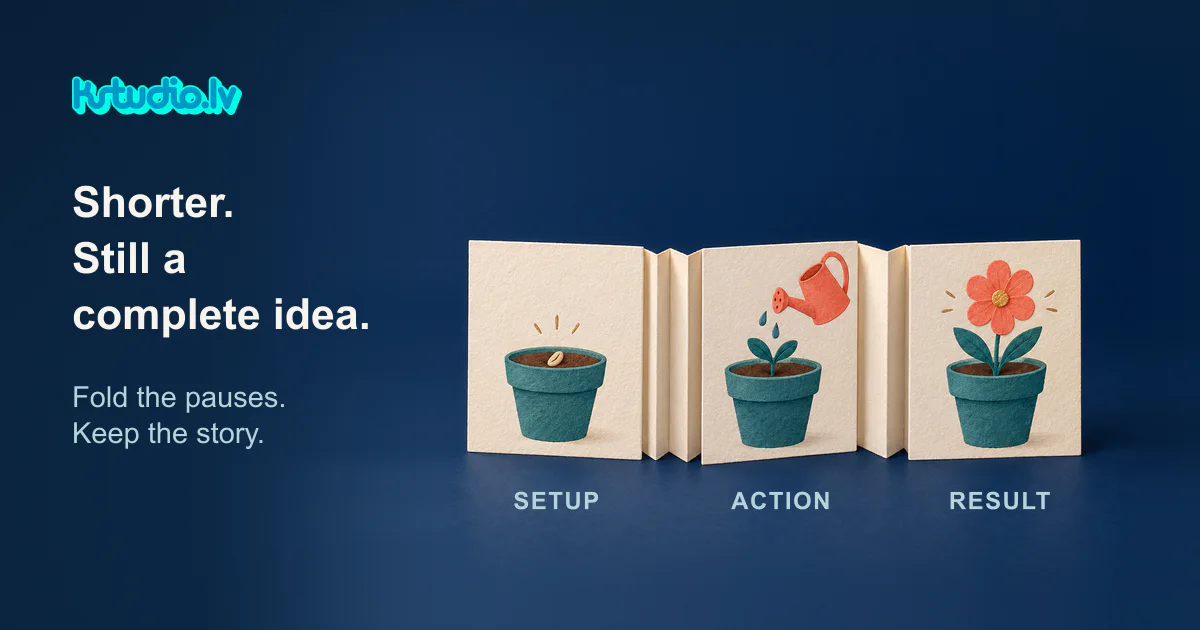
Our paper accordion illustration offers a simple editing analogy: a seed, a watering action, then a bloom. The empty folds between the drawings stand for waiting.
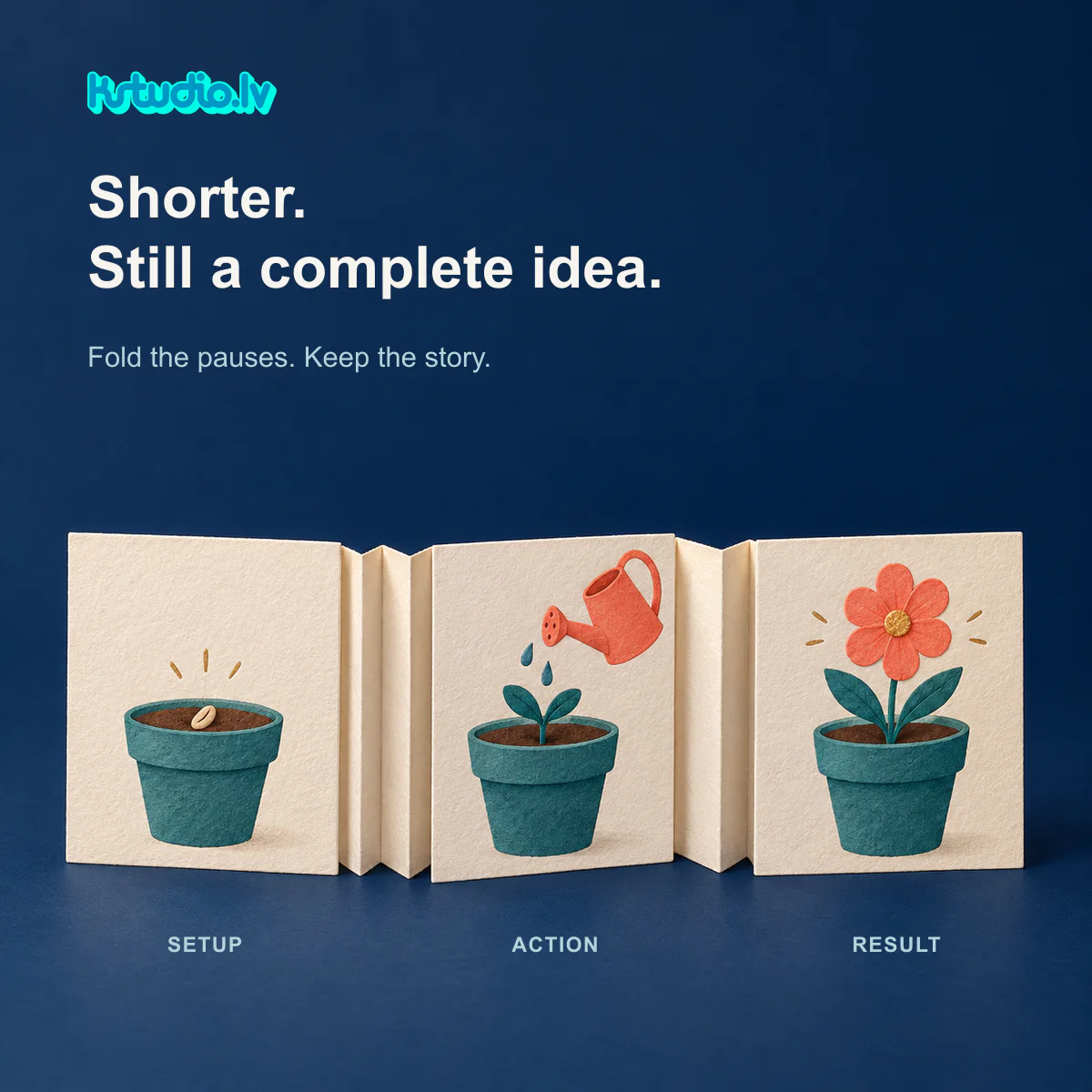
In this imagined sequence, bringing those moments closer together can preserve the connection between them. Removing the watering drawing changes the story: the seed and flower remain, but the pictured act of care has disappeared.
Apply that distinction to the material you already have. Identify the action that explains the result, and the context needed to recognise that action. In a game creative, this might be a choice followed by its consequence. Mark both before deciding which surrounding footage can go.
Give each surviving moment enough room
Start by reviewing pauses, repeated information and holds after a point is already clear. They are candidates for shortening, with the decision made in context.
A pause may establish anticipation. A hold may give someone time to notice a changed object or read a line of text. Keeping every essential shot while squeezing each one too tightly can leave the sequence difficult to follow.
That is the tension: removing waiting can tighten an edit, but removing time needed to recognise the action can weaken the connection you meant to preserve. If the requested duration leaves too little room, simplify the amount of information. A smaller, complete idea is a useful option to discuss with the editor.
Put the decision into the cutdown brief
For the paper example, the practical brief could contain these instructions:
Story to preserve: the seed, the act of watering and the bloom form one connected sequence. Keep all three moments recognisable.
First places to shorten: the waits between those moments and the final hold once the bloom is clear.
Risk to flag: if the action becomes hard to recognise, revisit the pacing before removing the middle moment.
Delivery constraint: use the target duration and placement specified in the project brief; identify any conflict with the story before final export.
Review question: can someone point to the action that connects the beginning and ending without an explanation from the editor?
For your own footage, replace those story moments with named shots or timecodes. Include the source filename and version, required copy, and any elements that must remain. That gives the production team something specific to work from and gives the reviewer a shared basis for feedback.
Review the idea, then the export
At KSTUDIO, cutting down existing material means working through these choices: what to retain, what to shorten and how to arrange the surviving moments around the intended idea.
Review the shorter version at normal speed. Check whether the action is visible, its consequence is understandable, and the required text has room to be read. If a reviewer needs the missing context explained, return to that point in the edit.
Once the edit is settled, use our free Video Ad Check to inspect file metadata and preview the selected placement. It supports the export review; deciding whether the story works remains a separate editorial check.
Comments (0)
Awaiting moderation. Only you can see this.