
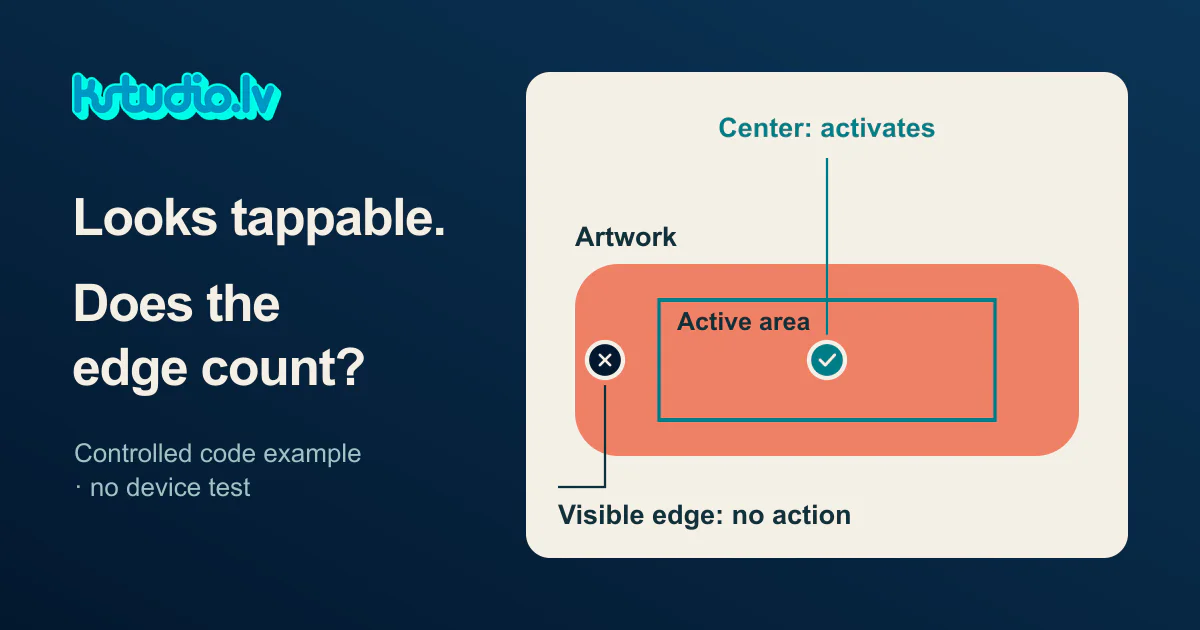
The control's picture and its input area are separate things.
A playable review needs an answer to a practical question: where does the intended action register? A polished button image tells the team what the control looks like. Its response gives the creative lead something else to assess before deciding whether the idea needs another round of work.
A deliberate mismatch, in code
Our controlled code example defines the artwork and its custom input rectangle separately. The artwork occupies a wider area than the rectangle that accepts an input. This configuration is deliberate: it makes the distinction visible and gives the example an expected result.
The centre coordinate, (310, 180), produced one activation. Two points near the visible left and right edges, (125, 180) and (495, 180), produced none. Both points sit inside the artwork but outside the programmed input rectangle. An outside point also produced no activation.
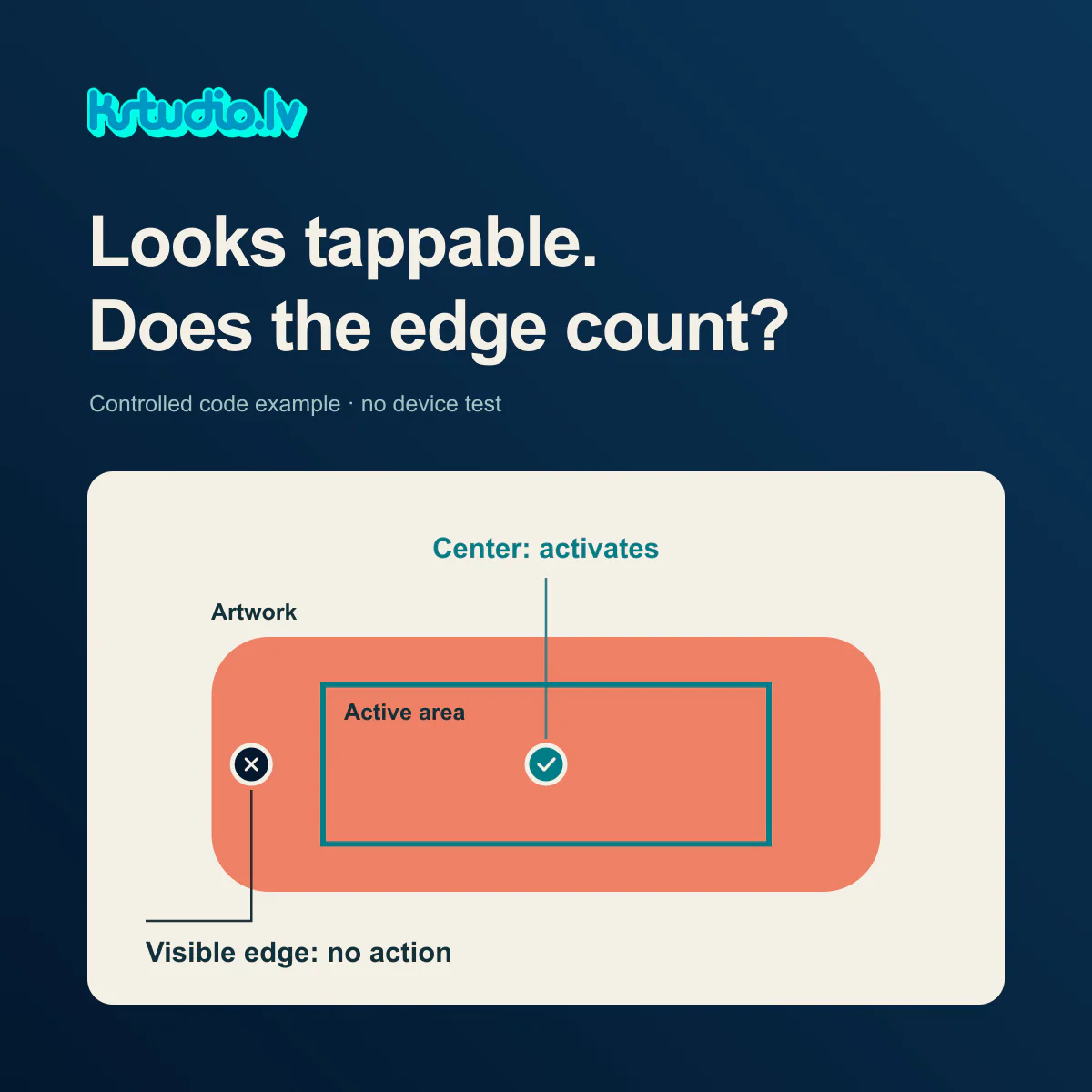
The check ran as JavaScript function calls in Node with fixed geometry: 27 coordinate cases and five invalid input cases passed their expectations. It was a synthetic controller example, not a browser pointer, device, SDK or usability test, and it says nothing about a client campaign.
What the example changes in a review
The useful production detail is the independence of the two definitions. In this custom setup, the artwork could change while the input rectangle stayed as written. A larger picture would therefore need an explicit decision about the active area. Resizing itself was not part of this check.
That gives the buyer a more precise conversation to have. When an action appears to be missed, there is an implementation question to resolve alongside the creative discussion. The team can establish where input is accepted and what response follows before deciding that the concept is unappealing or unclear.
The example demonstrates one configured mismatch. It does not establish how often this happens in playables, or predict how people will use a particular control.
A practical brief for the next review
A useful review brief names the build and environment, the visible control, the intended active region, and the action that should follow. It also records whether the artwork, input region or both changed in the latest revision.
The requested evidence is a view of those regions together, plus results for the centre and selected points near the visible edges. Each result identifies the point, the expected response and what actually happened. A point outside the control gives the team a useful comparison.
For a real playable, that brief belongs with a demonstration in its intended browser or device environment. A diagram can explain the geometry; a recording can show a response. Labelling each artifact by what it actually contains keeps the discussion concrete. Our illustrative covers explain the setup and are not screenshots of a running client build.
Where a package check fits
KSTUDIO Playable Checker inspects HTML/ZIP package structure and discoverable source signals without running the creative. It can support a file review, but cannot confirm tap areas or runtime behaviour. Network acceptance also remains a separate question.
The package report and the interaction review answer different parts of the production brief. Together with a clear creative objective, they give the team specific evidence to discuss instead of asking the button image to carry every decision.
Ask to see the active area and the centre/edge results before judging the creative idea.
Comments (0)
Awaiting moderation. Only you can see this.