
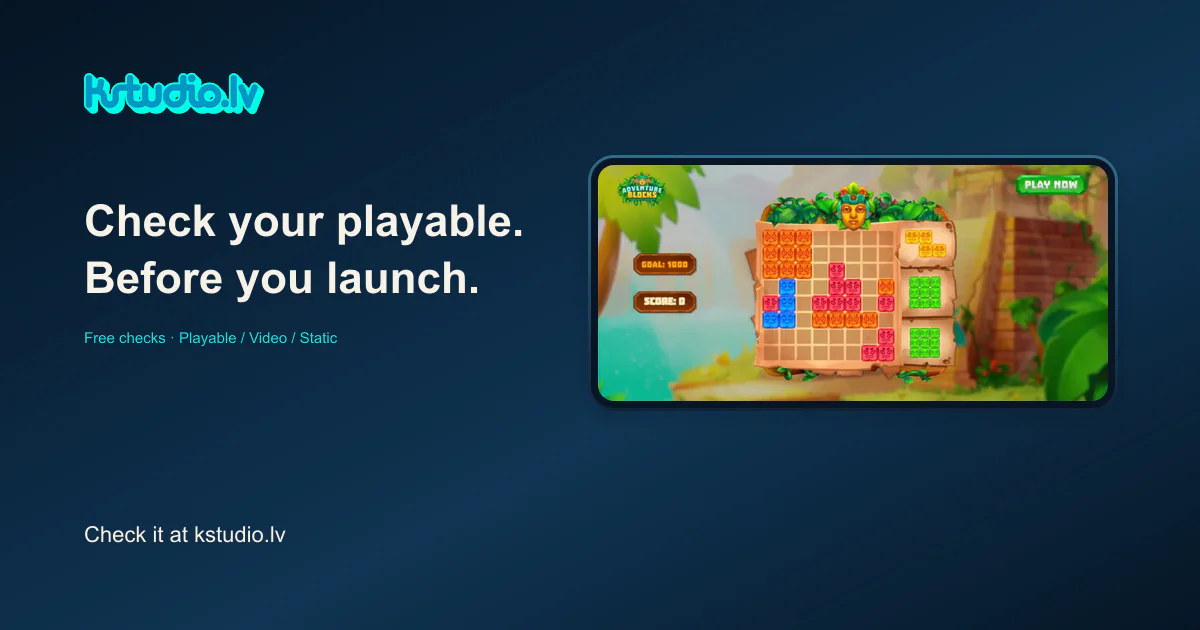
A playable can look finished while its package still needs attention. A missing resource, an unsuitable archive structure or the wrong network profile is a different problem from how the scene looks.
KSTUDIO Playable Checker gives you a place to inspect that file before sending it onward. Video Ad Check and Static Ad Check cover the neighbouring video and image workflows.
Start with the network and the file
Open Playable Checker, choose the intended network profile, then select the HTML or ZIP file. Inspect the results for package structure, size, resource references and CTA integration signals. A result belongs to that file, that profile and the specific check described in the report.
For an illustrative example, imagine a self contained HTML export being prepared for a workflow that expects a ZIP package. The creative may look complete while the package still needs adapting. Checking against the intended profile makes that distinction visible.
Keep code inspection and behaviour testing separate
Playable Checker inspects source material without executing the playable. Finding a CTA call does not prove that a tap opens the intended destination. Lifecycle behaviour and SDK or WebView integration still need testing in the target environment.
This is why an unresolved manual check is useful information. It identifies evidence that has not been supplied by the file analysis. It should not be silently converted into a pass.
Video and static ads have their own checks
Video Ad Check offers file checks and a placement preview. Static Ad Check does the same for supported image files. Their guides help a person inspect framing and the position of important content; a preview is not a live platform screenshot or a promise that an interface will look identical on every device.
The person reviewing the creative still needs to judge whether the message is readable, the action makes sense and the promise is appropriate. These tools do not certify network acceptance or predict advertising performance.
Try one file
The tools are free. Begin with one file from the next handoff, use the relevant profile, and keep the report's open questions beside the export. If you need help with production or adaptation, the tool provides a separate contact route.
Also available: Playable Checker, Video Ad Check, Static Ad Check.
Comments (0)
Awaiting moderation. Only you can see this.