
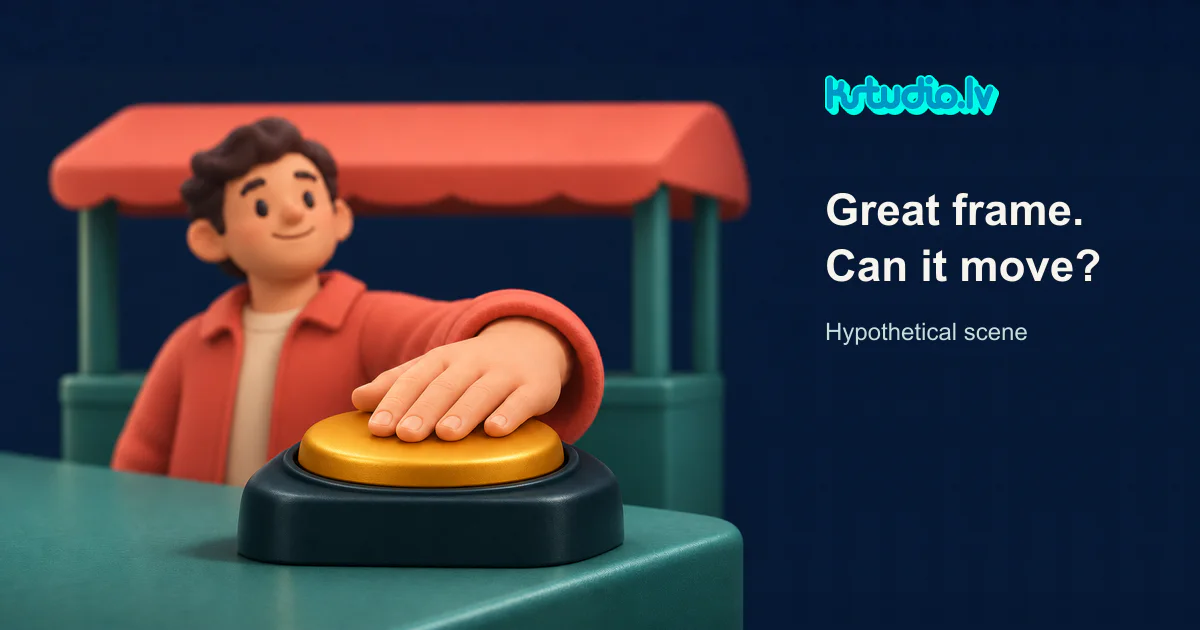
An approved AI frame gives a creative lead something useful: a visual direction the team wants to keep. Turning it into a video starts with a more specific question. What must the viewer see during the camera move?
Imagine a game kiosk with a character behind the counter, one hand resting on a button. The illustration has the right colour, lighting and mood. This is a hypothetical production brief, with no finished scene or motion test behind it.
A gentle push in could stay close to that original view. A layered treatment might separate the foreground counter, character and background, then move them to suggest depth. Any background uncovered behind a cutout character would still need filling. Keeping the move small is a constraint to assess against the actual artwork, not a guarantee that every image will work.
Placing an image layer in 3D space does not give it a complete volume. Adobe's 3D layer documentation explains that such layers remain flat. Its camera documentation describes changing the viewpoint around those layers. The practical implication for this example is that separating artwork can support some depth and movement, while missing surfaces still need a design decision.
Now change the request: the camera travels around the counter and ends beside the character. The counter's side becomes visible. The hand may stop hiding part of the button. The wrist has to connect convincingly to the arm from the new view. The first image may contain none of those answers. A production brief needs to say whether those details are available in existing assets or still need to be designed.
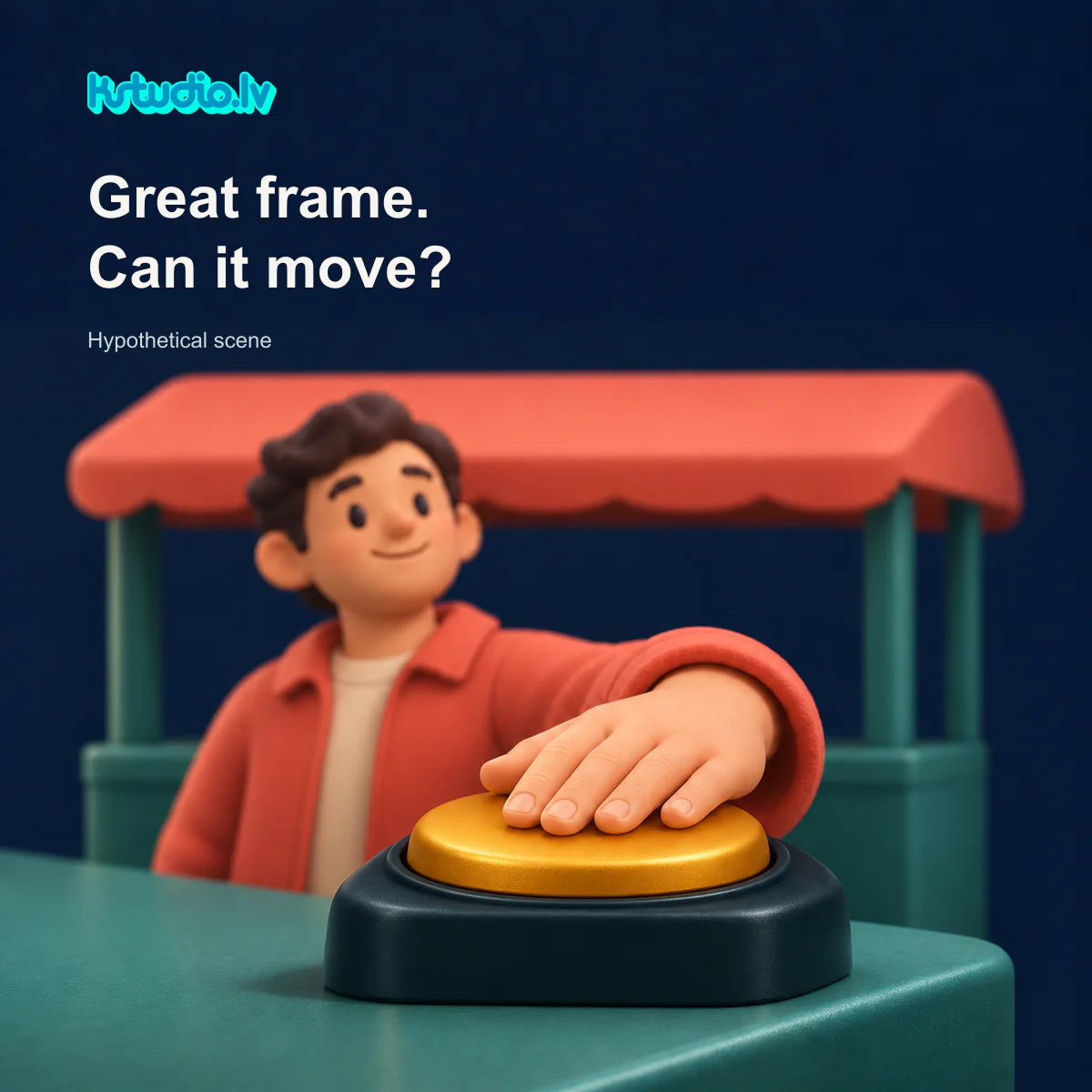
That does not automatically require rebuilding the entire world in 3D. Additional drawn views, limited reconstruction or a scene built for the requested camera path are possible routes to discuss. The choice depends on what changes on screen and what must remain consistent. If later shots need several viewpoints of the same kiosk, that is a different requirement from one short move close to the original frame.
For the buyer, a useful first brief describes the camera path, the features that must stay recognisable and the available source material. A rough sketch can help, including any revealing middle view. A flattened image, separated artwork, model and character sheet provide different starting points. The production assessment can then identify missing surfaces, changing overlaps and contact details along the whole move. The buyer does not need to solve each of those before asking about scope.
A sample brief could read: Camera moves from the front of the kiosk to the character's left. The hand stays on the button. Character proportions, kiosk colours and button shape must remain consistent. Available material: one flattened concept and an approved character sheet. The counter's side has not been designed. That gives a production partner something concrete to discuss before choosing a method.
KSTUDIO's paid work here could include assessing those missing details, preparing the required scene elements and animating the agreed shot. To discuss preparing and animating your scene, describe the camera move and the artwork or models you have at KSTUDIO Contact; a link to relevant material can provide context.
For an exported video, Video Ad Check is a resource for metadata and placement preview. It does not determine scene feasibility, reconstruct hidden geometry or judge animation quality.
Comments (0)
Awaiting moderation. Only you can see this.